AO MindSync MindSync is an affirmation programming tool that delivers affirmations of your own voice through a binaural process. A binaural process is a cognitive...
Read MoreVitals Scan
Vitals Scan
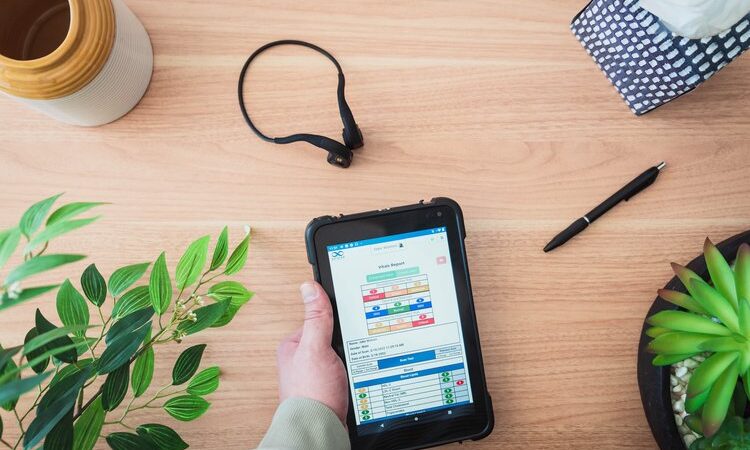
The Vitals Scan mode of the AO Scan Technology performs a complete scan of over 550 Blueprint Frequencies associated with each bodily function and performs the analysis in under three minutes. This specific scan is a concise snapshot of the Blueprint Frequencies in relationship to the frequencies being produced by the blood, organs, glands, and systems of the body.
Additionally, this scan allows you to scan your pets’ vitals! This scan can be used on horses, dogs, and cats. The Bone Conductor Transducer Headset is not needed when performing a Vitals Scan on your pet. The Transducer Headset is only needed when performing a scan on people.
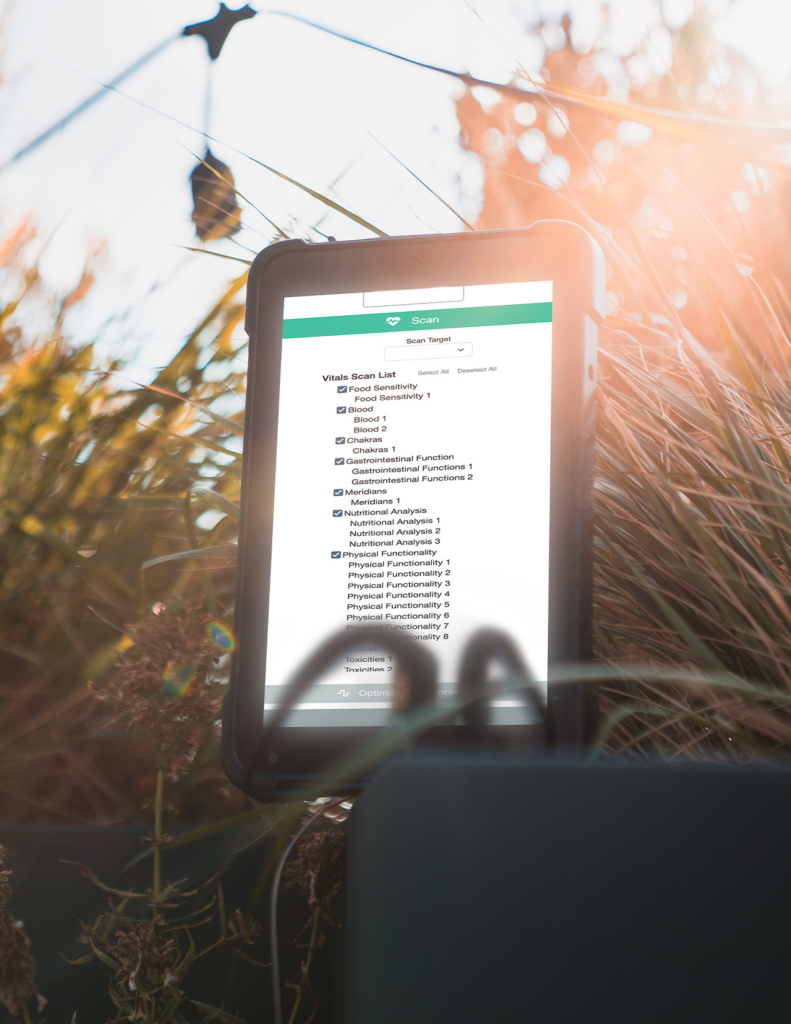
The Vitals Scan will provide the following reports: Blood, Chakra, Gastrointestinal, Meridian, Nutritional, Physical Functionality, and Toxicities reports. More information about each of these reports will be given below.
Vitals Scan FAQs
How often do I use Vitals Scan?
The Vitals Scan for humans is designed to be performed 1 to 2 times per week as needed. The Pet Vitals Scan is designed to be performed every day as needed. However, this is not a fixed guide for every user and should be performed depending on the users’ individual needs.
What headset do I use during Vitals Scan?
For the Vitals Scan for humans, we recommend using just your Bone Conducting Transducer Headset. For the Pet Vitals Scan, no form of headset is necessary.


How To Scan
1. To use the Inner-Voice Scan, you will need to speak into the microphone of your device. To do this, simply hold it close to the side of your face as if you were making a call.
2. At the top of the screen, you will have two options to scan your voice. The button on the left with a microphone icon will only scan your voice. The button on the right with the microphone and heart icons will scan your voice and your vitals. Select the one you desire to scan.
3. If you choose to only scan your voice, you will need to speak into the phone for 10 seconds, starting by announcing your name. For example, “I am [first name] [last name].” If you choose to scan your voice and vitals, you will first need to put your Bone Conducting Transducer Headset in place before beginning the scan. You will then speak into the phone for 10 seconds, starting by announcing your name. For example, “I am [first name] [last name].” After your voice has been scanned, you will automatically transition into scanning your vitals.
4. When the recording is complete, underneath the graph results, the program will provide your top 3 frequencies, the supporting frequencies, the lowest frequency, and its supporting frequency. You can select the supporting octaves and play the tones for each supporting frequency individually. Earphones are essential when listening to the tones.
5. Tap the ‘Balancing Harmonics’ button and use your earphones to listen to your balancing frequencies. The Balancing Harmonics audio is about 12 minutes long. To pause the audio, tap the Balancing Harmonics button while the audio is playing.
6. Tap the ‘Reports’ button to review your Inner-Voice report.
7. In your report, tap the email icon on the top right side of the screen to email the report.
How to Run an Inner Voice Scan
Please watch the following video for a step-by-step visual guide to learning how to run an Inner Voice Scan. For more assistance, please reach out to our Customer Support Team at 0400 006 576!
AO Scan Features Overview
Comprehensive Scan
Comprehensive Scan The Comprehensive Scan technology performs a detailed scan of the frequencies from over 130 organs, cells, bones, and chromosomes. The Comprehensive Scan provides...
Read MoreBody Systems Scan
Body Systems Scan The Body Systems Scan performs a complete and thorough scan and optimization of hundreds of Blueprint Frequencies associated with 13 body systems....
Read MoreVitals Scan
Vitals Scan The Vitals Scan mode of the AO Scan Technology performs a complete scan of over 550 Blueprint Frequencies associated with each bodily function...
Read MoreInner Voice
Inner Voice The Inner Voice technology uses a sound harmonizing technique that generates a balancing audio frequency derived from the voice spectrum in humans to...
Read MoreQuick Scan
Quick Scan The Quick Scan technology performs Morning, Midday, and Evening scans. As part of the process, supplements and therapies can be uploaded and utilized...
Read More